TREX IPTV for Android TV
The Trex player built for the ten-foot interface. Installs on Fire TV Stick and Android TV boxes with Downloader code 3926837.
Downloader code for TV sticks
3926837
Type this into the Downloader app and press Go.
One app, the same login details everywhere. Pick your platform below — and if yours is not listed, it almost certainly still works through a standard player.
The Trex player built for the ten-foot interface. Installs on Fire TV Stick and Android TV boxes with Downloader code 3926837.
The same player for phones, tablets and sticks. Downloader code 2270632, or install the APK directly on a phone.
Desktop build for Windows 10 and 11. A keyboard makes searching a large catalogue far quicker than any remote.
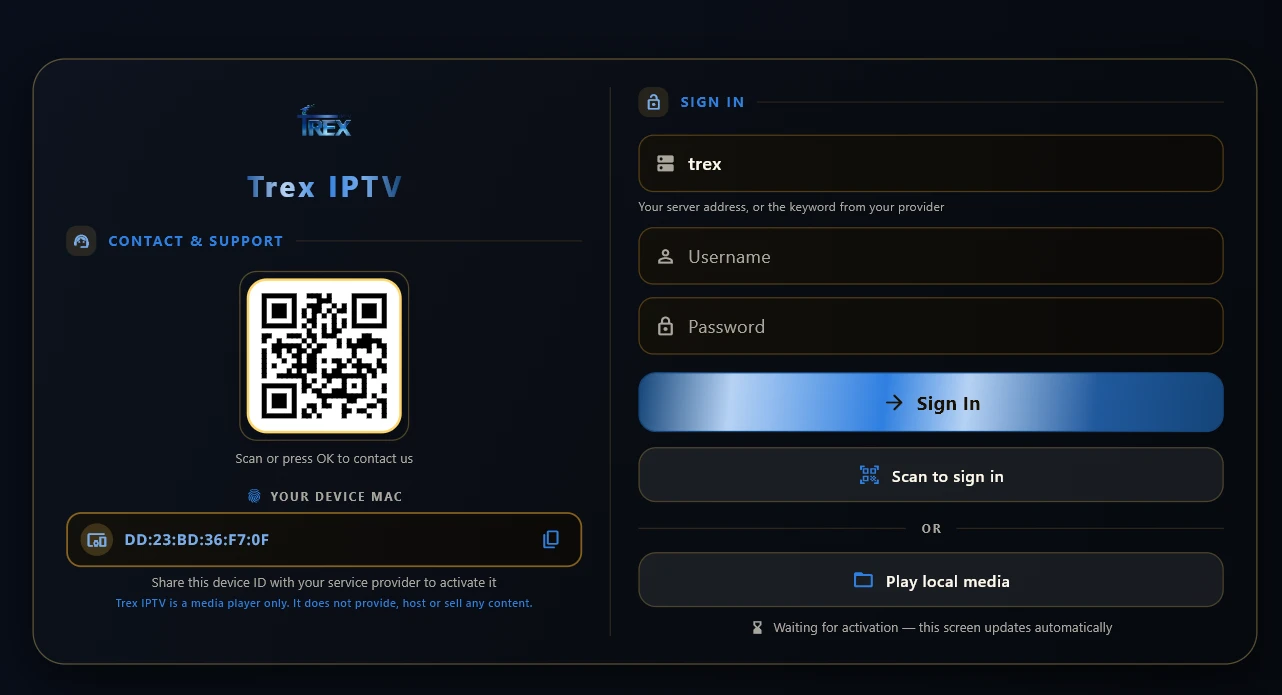
Download for Windows 10Real screens from the Trex player, not mock-ups. The same build runs on every platform.
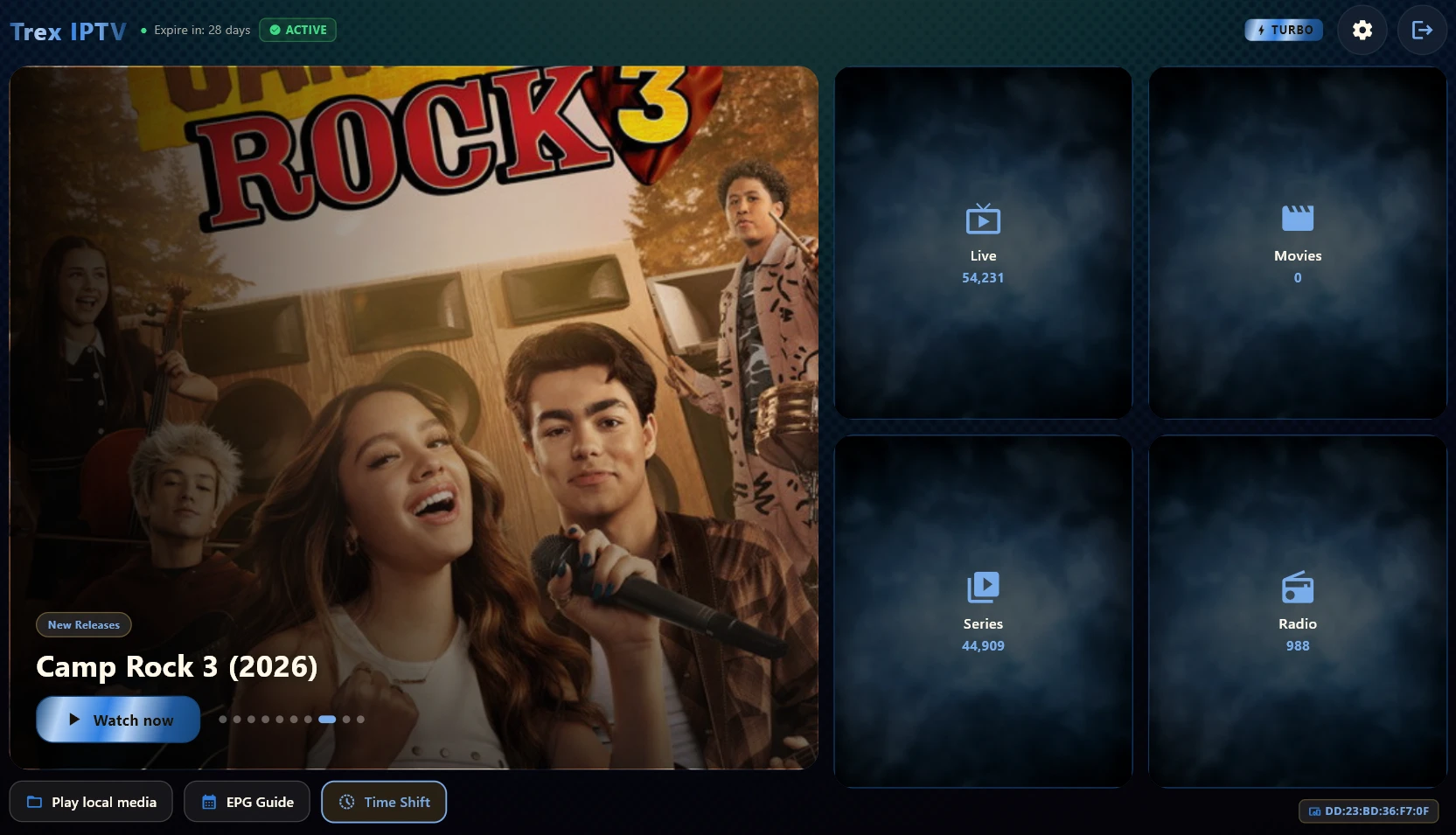
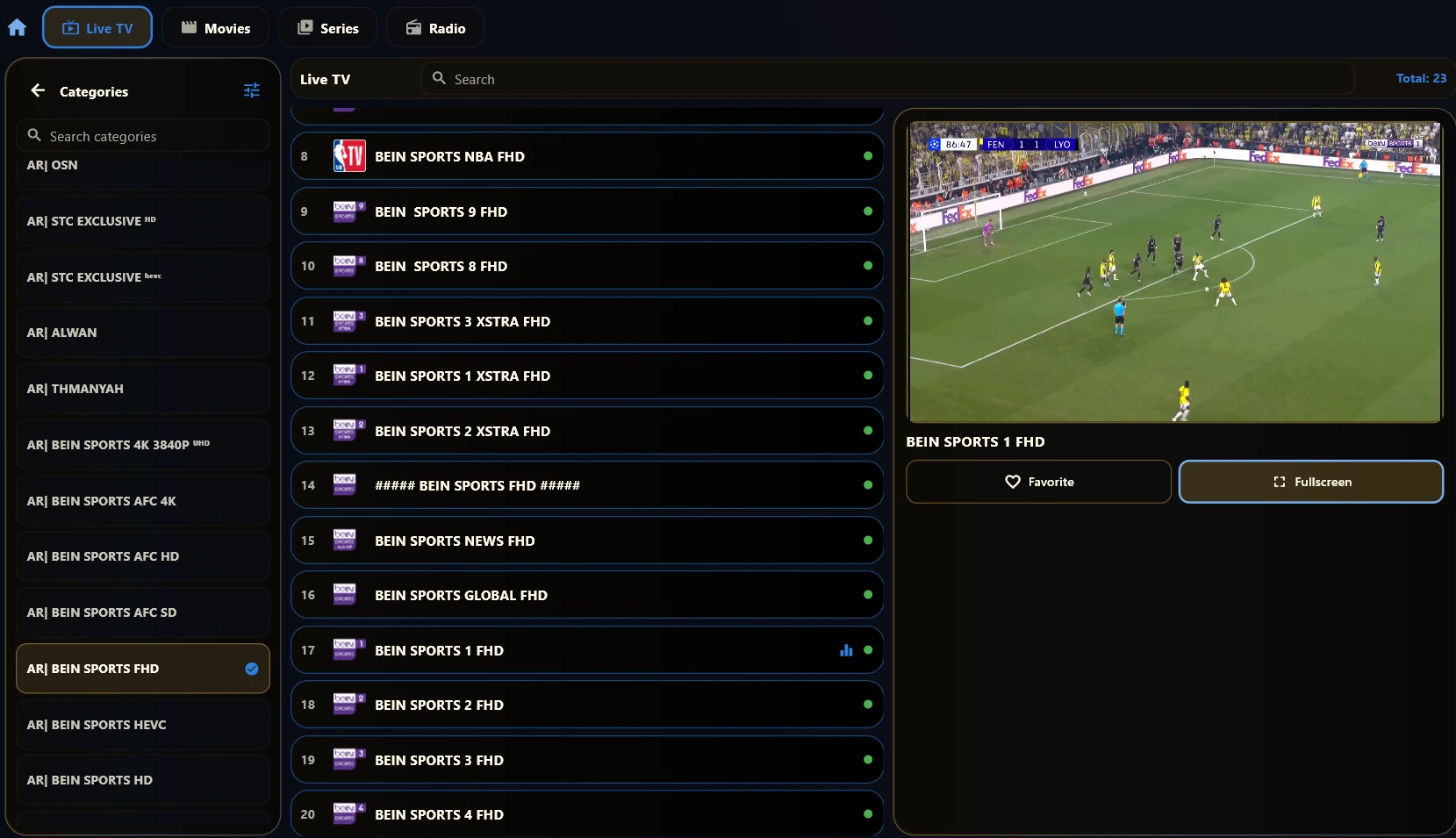
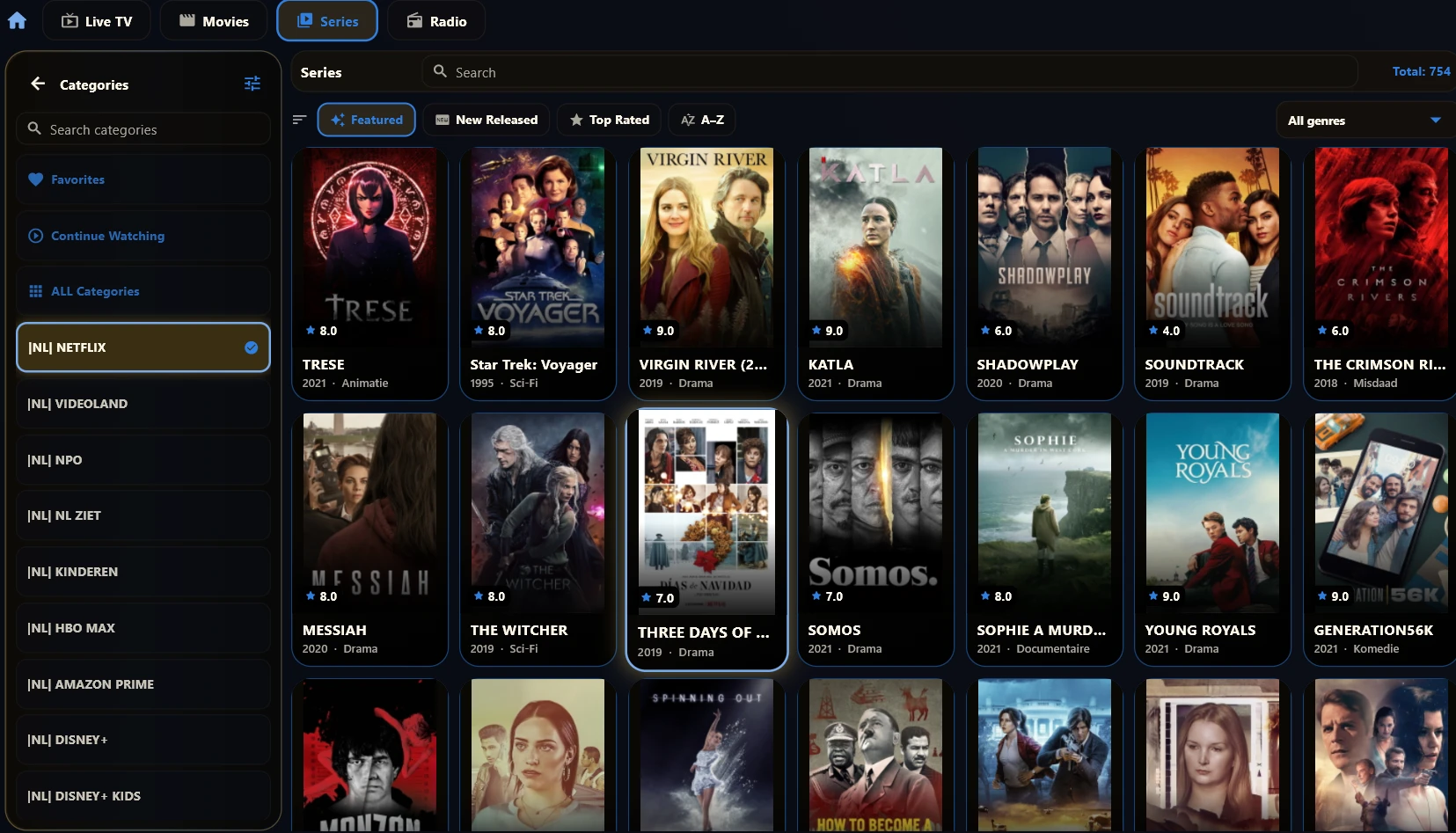
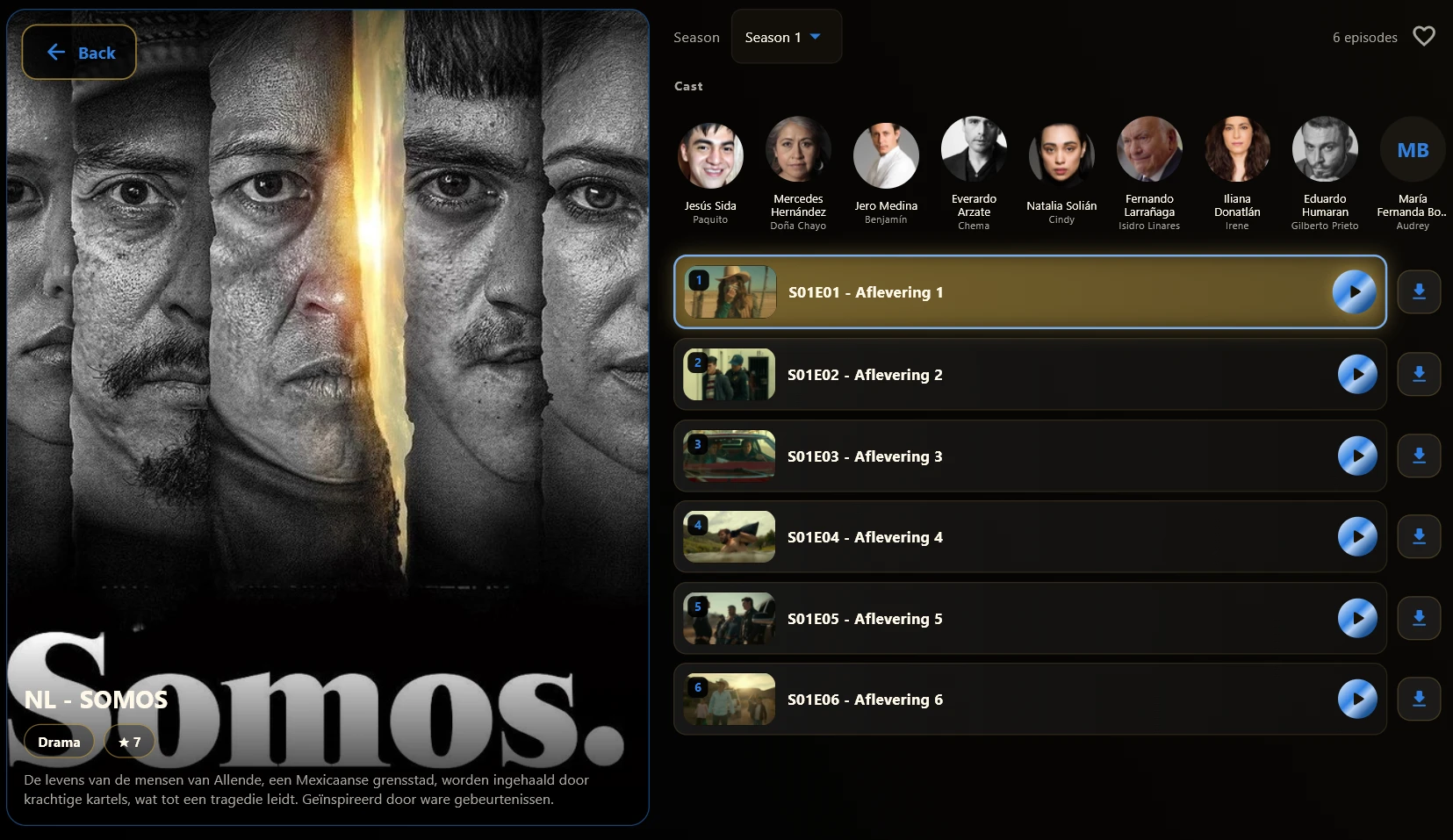
These need no download from us at all.
No download needed. Install an IPTV player from your TV app store and enter your Trex IPTV details.
Setup guide →Apple does not allow sideloading. Use a player from the App Store and add your Xtream details to it.
Setup guide →Nothing to install. The box authenticates by MAC address and loads the portal directly.
Setup guide →